Install Research Web Highlighter
The sticky notes shown here are a feature of Research Web Highlighter, not a separate Chrome extension. Use the button below to open its Chrome Web Store listing and add it to Chrome.
Open the webpage you’re reading
It might be an article for class, a research source, documentation, or a page you're comparing with others. Choose a place where a quick note would be genuinely helpful.
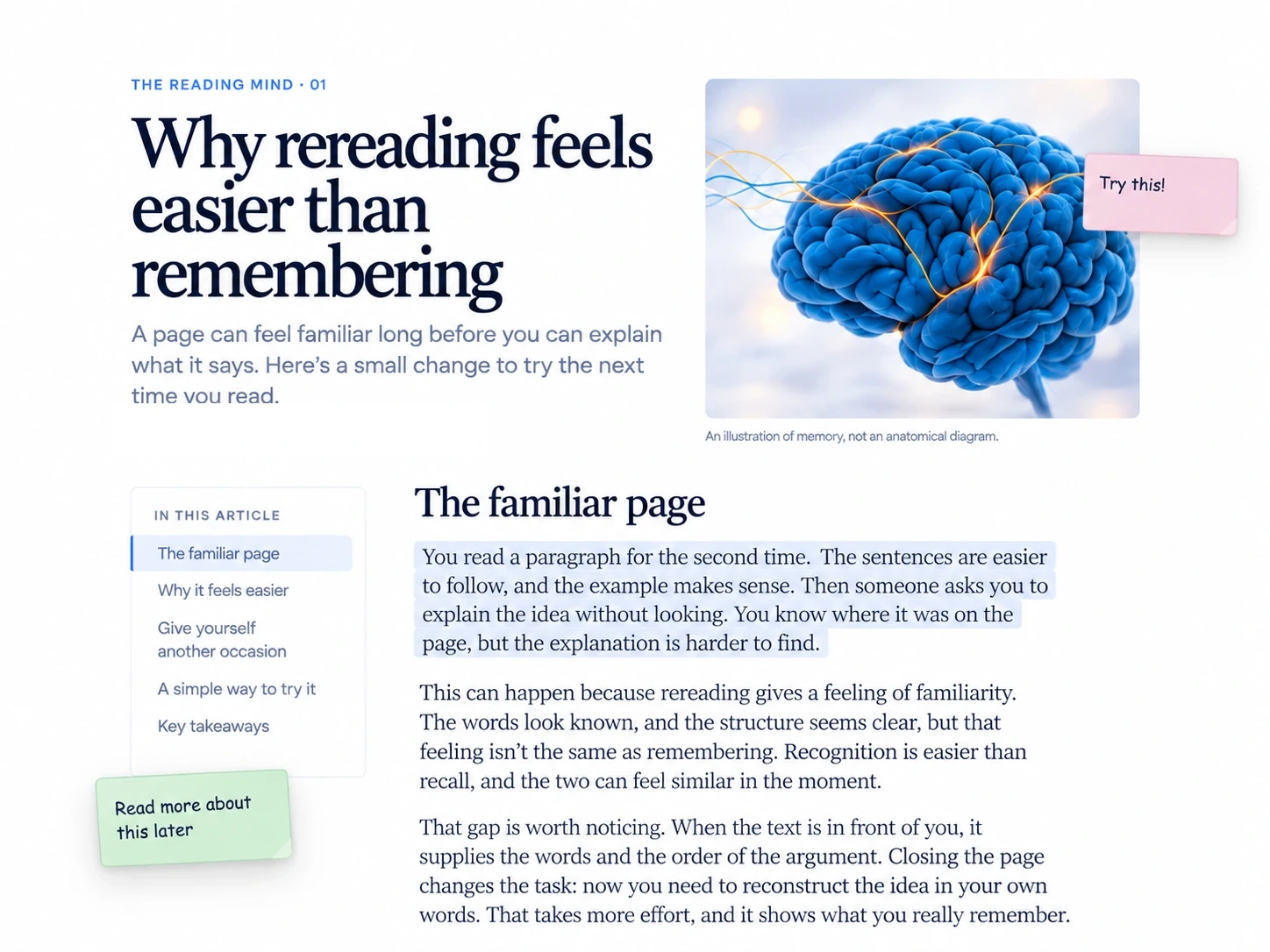
Add a note while the idea is fresh
Open Research Web Highlighter and use its sticky-note feature to create a note on that page. Type the reminder, question, or idea you want to keep. You can position it near the relevant text so the context is easy to recognize later.
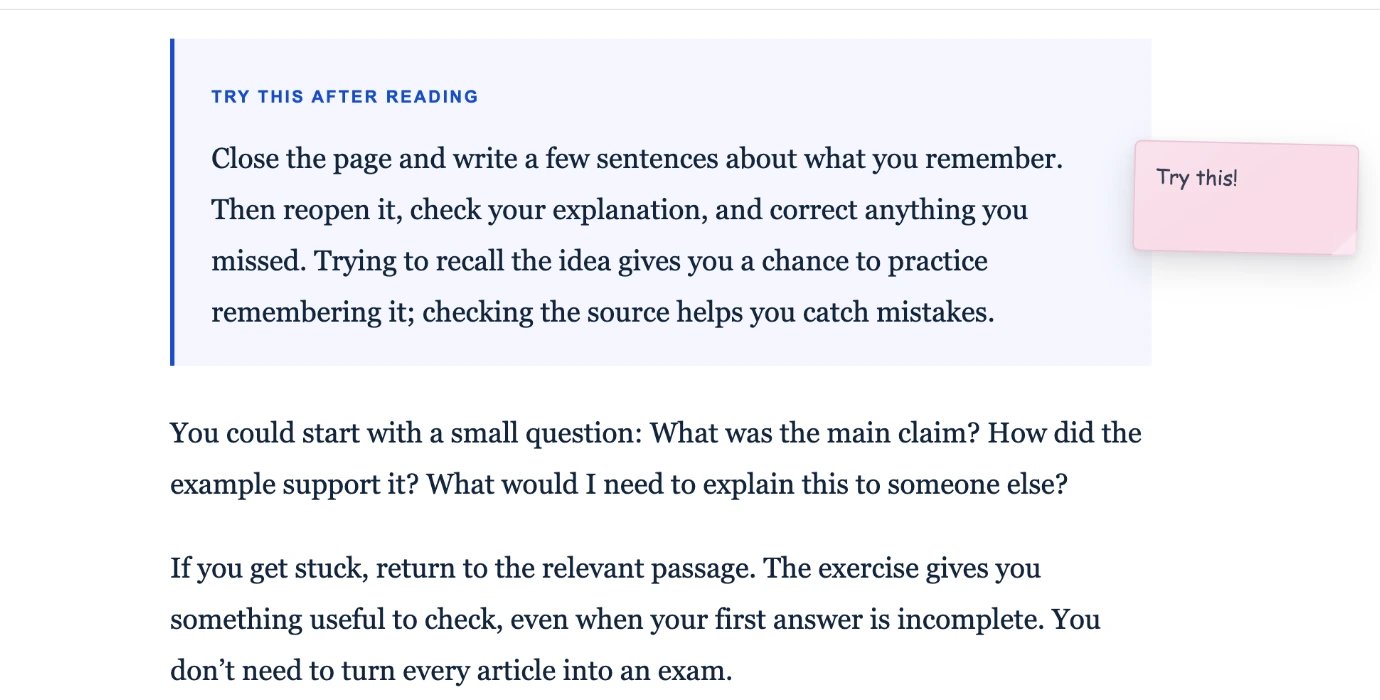
Move it or tuck it away
Research Web Highlighter lets you move sticky notes, collapse and expand them, edit the text, and delete notes that are no longer useful. Keep the important thought without covering the article you're reading.
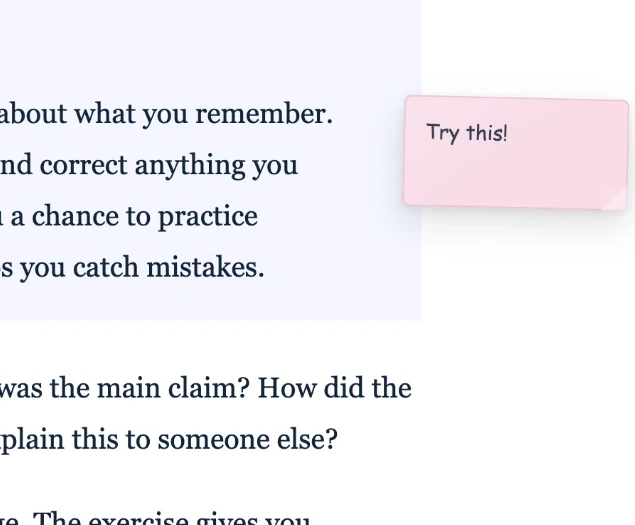
Come back and pick up where you left off
When you return to the same webpage, you can find the notes associated with it. Use the notes list on the page to locate the one you need and jump back to its context. Be aware that a website redesign or a heavily edited article can affect an attached note's exact position.

Questions people usually have
Do I have to save the entire page?
No. You can use sticky notes to record an idea directly on the page. The extension also has a separate save-page feature when you want it.
Can I write more than one note on a page?
The feature supports multiple notes on a webpage. Available quantities can depend on your Research Web Highlighter plan; see the current plan details inside the extension.
Will sticky notes work on every website?
They are designed for regular webpages. Browsers restrict extensions on certain internal or protected pages, and a website's own layout can sometimes affect positioning.
Can I get back to the paragraph I was reading?
Notes can be attached to a relevant place or paragraph. The extension provides a way to jump back to a sticky note's location from the list.
Leave the next thought on the page.
Try the sticky-note feature in Research Web Highlighter for Chrome.
Add to Chrome ↗Opens the existing Research Web Highlighter Chrome Web Store listing.