
Open a webpage
Find something you want to remember while reading an article, researching, or comparing information.
Keep reminders, questions, and ideas connected to the webpage that prompted them—without opening another document.
A sticky-notes feature of Research Web Highlighter for Chrome. You'll install that extension from the Chrome Web Store.
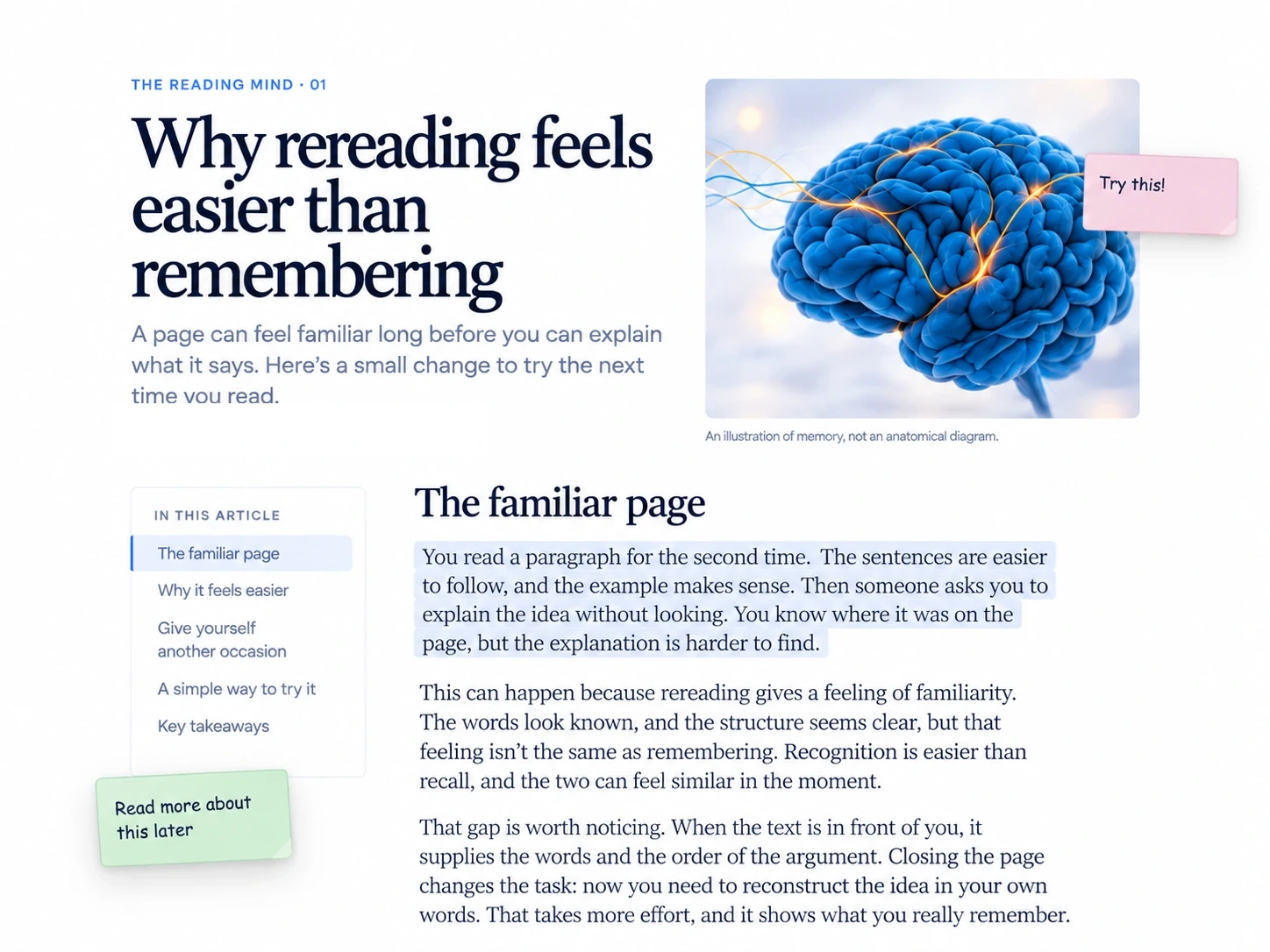
Keep the thought beside its source instead of moving it into a separate notes app.
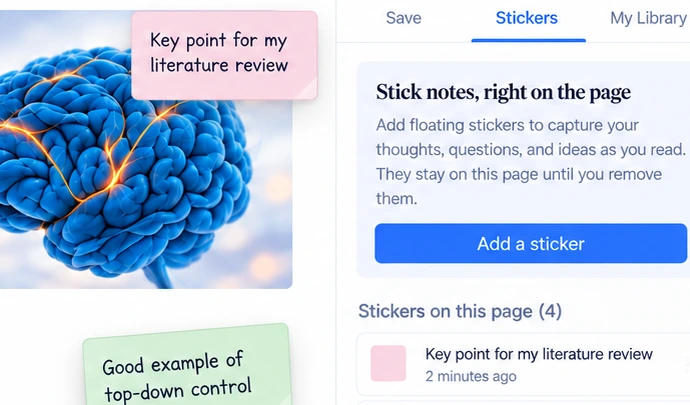
Find something you want to remember while reading an article, researching, or comparing information.
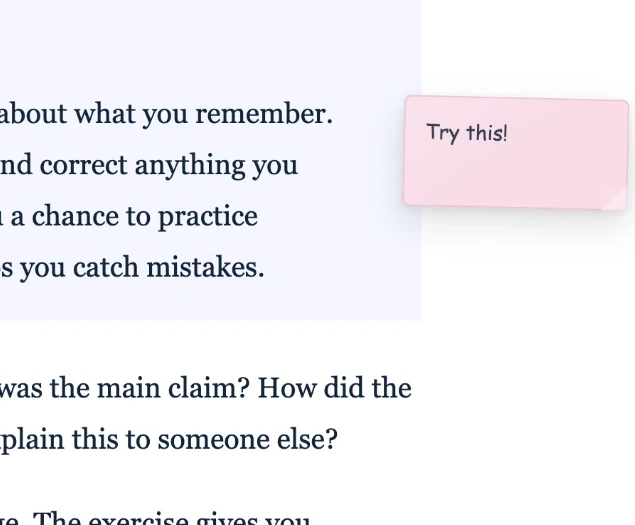
Add a reminder, question, or idea directly to the webpage. Keep it near the part that matters and move it if you need to.

Return to the page and find the note in context. Jump to a note's location when you need it.
Want the step-by-step version? Read the illustrated guide →
The page is part of the note. Keeping the two together makes the reminder easier to understand later.
Attach a note to a relevant paragraph so your thought stays close to its source.
Move, collapse, reopen, edit or delete your sticky notes without interrupting your reading.
See the notes associated with a webpage and return to the location of the one you need.
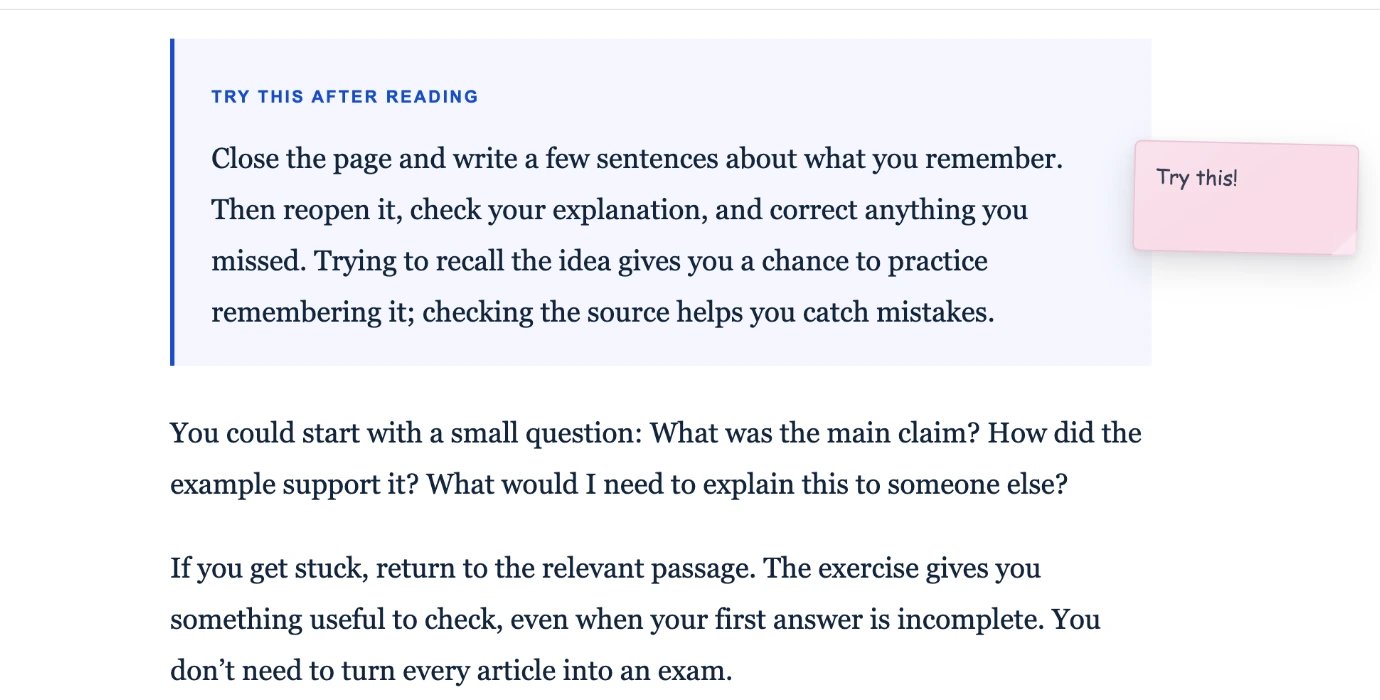
Leave a question or quick reaction beside a paragraph you want to revisit.
Keep reminders and explanations connected to the exact material you're working through.
Record why a source matters without losing the place that sparked the thought.
This page focuses on leaving notes on webpages. The feature is part of Research Web Highlighter for Chrome.
Sticky notes are associated with the webpage so you can find them when you revisit it. Some websites may change their layout or content over time, which can affect exact positioning.
Yes. Research Web Highlighter supports draggable sticky notes, collapsed and expanded states, and editing or deleting notes.
Yes. Sticky notes can be attached to a page location or paragraph, so you can return to the context of what you were reading.
The Add to Chrome button opens the existing Research Web Highlighter extension in the Chrome Web Store. Sticky notes are one of its features; it also supports highlights and research organization.
Research Web Highlighter offers both free and paid functionality. Please check the current plan details inside the extension before relying on any particular usage limit.
Leave the thought where it makes sense, then pick it up again when you return to the webpage.
Add to Chrome ↗Opens Research Web Highlighter in the Chrome Web Store. Website notes are included as its Sticky Notes feature.