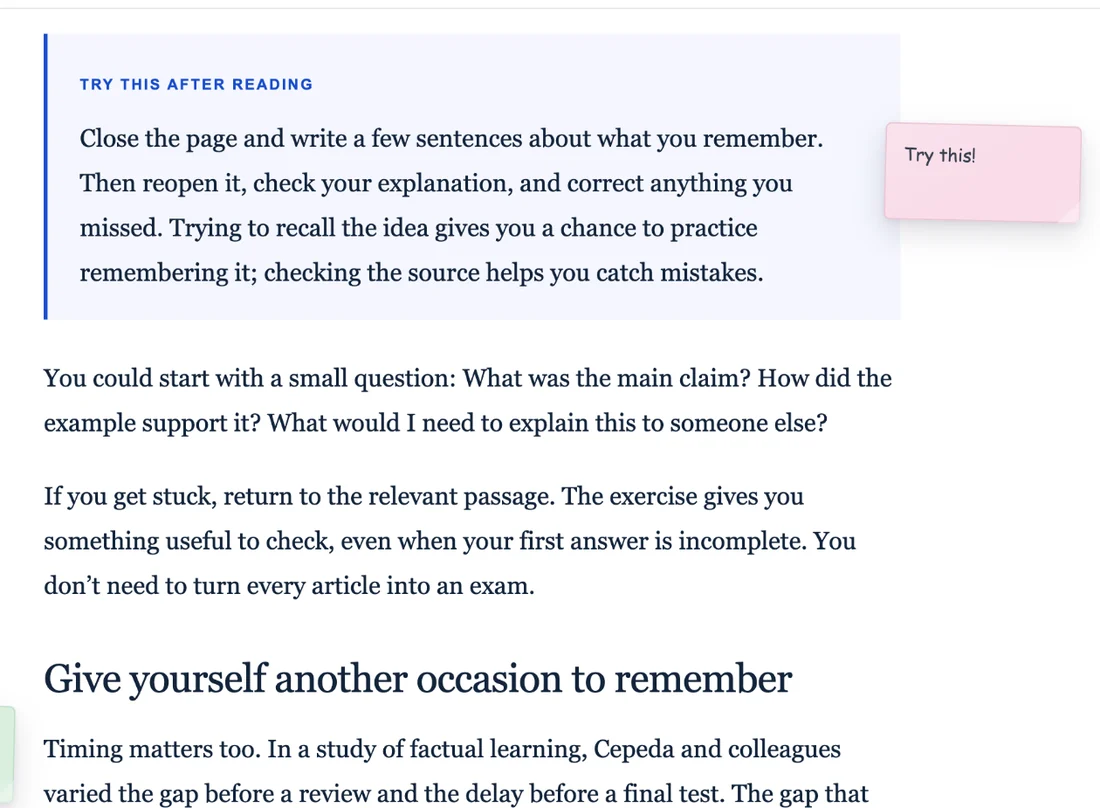
Add a note to the page
Leave the reminder next to the page you are already reading.
STICKY NOTES ON WEBSITES
Put reminders, questions, and ideas directly on the webpages where they make sense — instead of moving the context into another notes app.
HOW IT WORKS
No copying a URL into another app. No trying to remember what the note was about later.
Leave the reminder next to the page you are already reading.
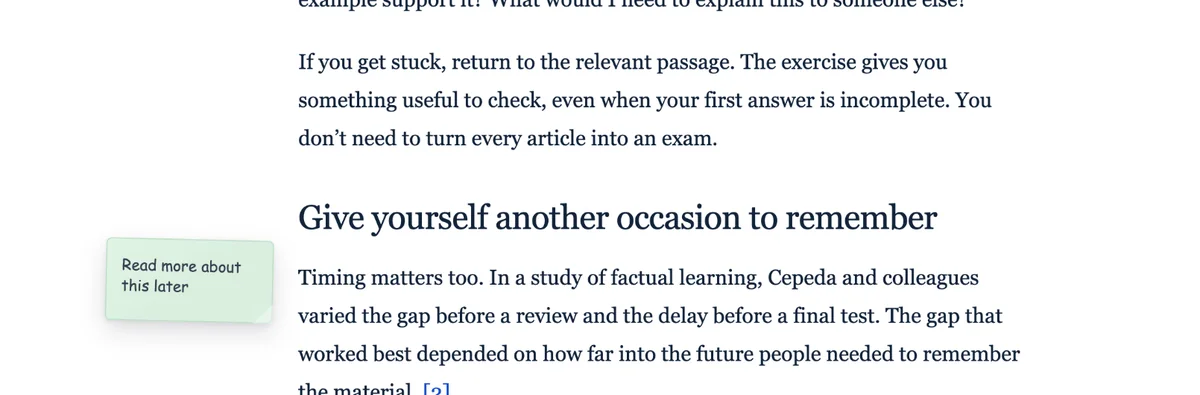
Use more than one note when a page gives you several things to remember.
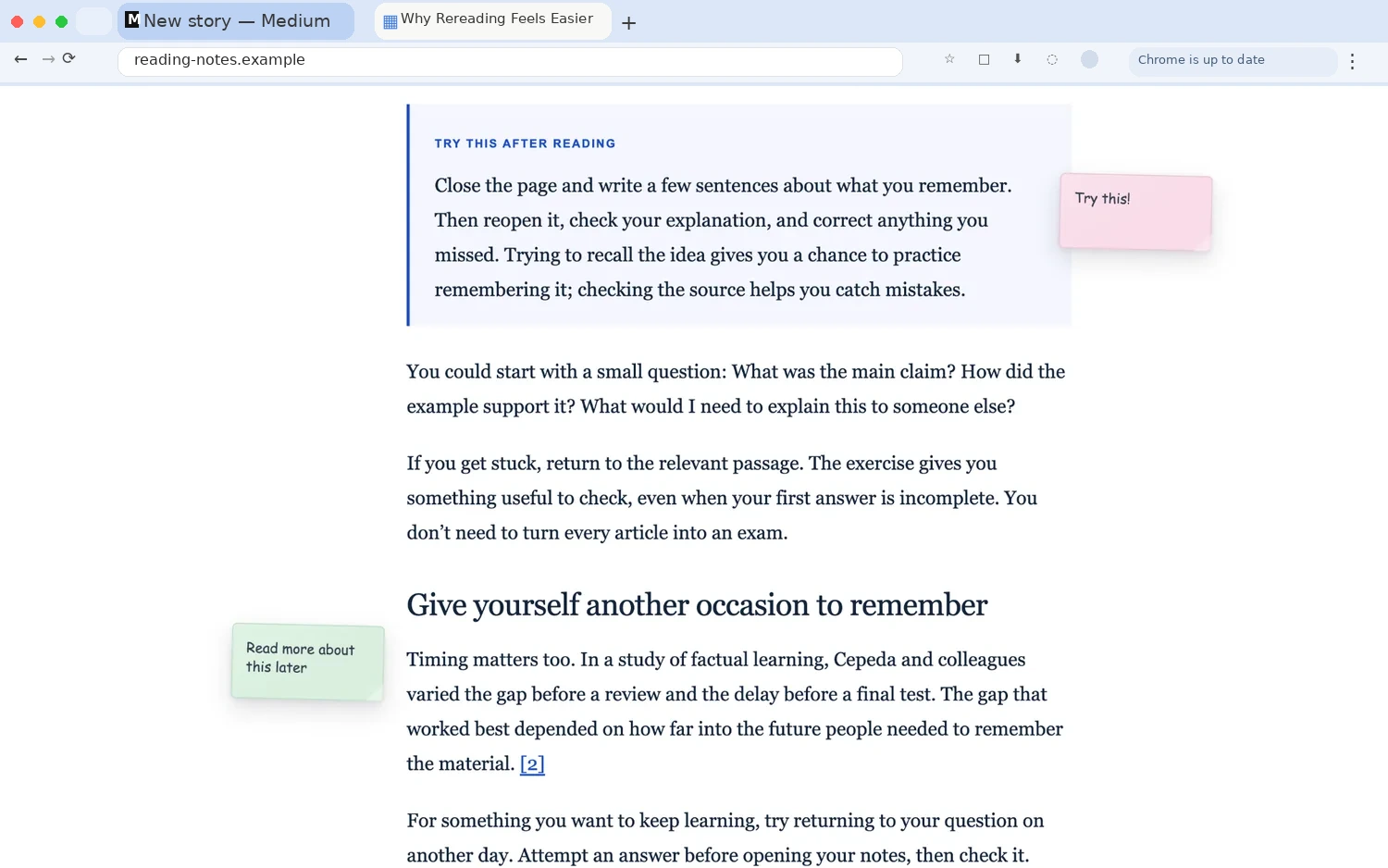
Your reminder is still connected to the page that gave it meaning.
WHY PAGE-SPECIFIC NOTES HELP
“Compare this later” means much more when it is still sitting next to the exact paragraph, chart, product, or source you were looking at.
Different methods answer different kinds of questions. The important part is matching the method to the decision you need to make.
This section describes the trade-off between speed, depth, and the amount of evidence you need.
Later, compare the examples against the source you saved yesterday.
USE CASES
Leave questions beside sources and remind yourself what still needs checking.
Put a prompt or explanation directly next to the material you are learning.
Leave a quick note on product pages, tools, services, or options you are comparing.
Attach a reminder to dashboards, documentation, admin pages, or recurring web workflows.
PART OF RESEARCH WEB HIGHLIGHTER
Sticky Notes are one part of Research Web Highlighter. You can also highlight text, save passages with their original source, organize them into folders, use Favorites, and save whole pages.

FAQ
The practical questions before you install.
Yes. Research Web Highlighter lets you leave notes directly on webpages in Chrome so the reminder stays connected to that page.
Yes. Sticky Notes are page-specific, so they are designed to be useful when you return to the same webpage.
Yes. You can use multiple notes when you need to keep separate reminders or thoughts on the same page.
Common uses include research questions, study prompts, comparison notes, reminders, ideas, and notes attached to recurring work pages.
No. They are included inside Research Web Highlighter, together with web highlights, saved pages, folders, Favorites, and links back to original sources.
Yes. Research Web Highlighter lets you save selected passages with their source and organize them in your library.
KEEP THE NOTE WITH THE PAGE
Add Sticky Notes to websites and keep highlights, sources, folders, and notes together in Research Web Highlighter.
Add to Chrome — Free ↗